PENT.SHOP BUYING GUIDE / UPDATED 14 SEPTEMBER 2026
Ghost PC laptops: USB boot and a fresh session on restart
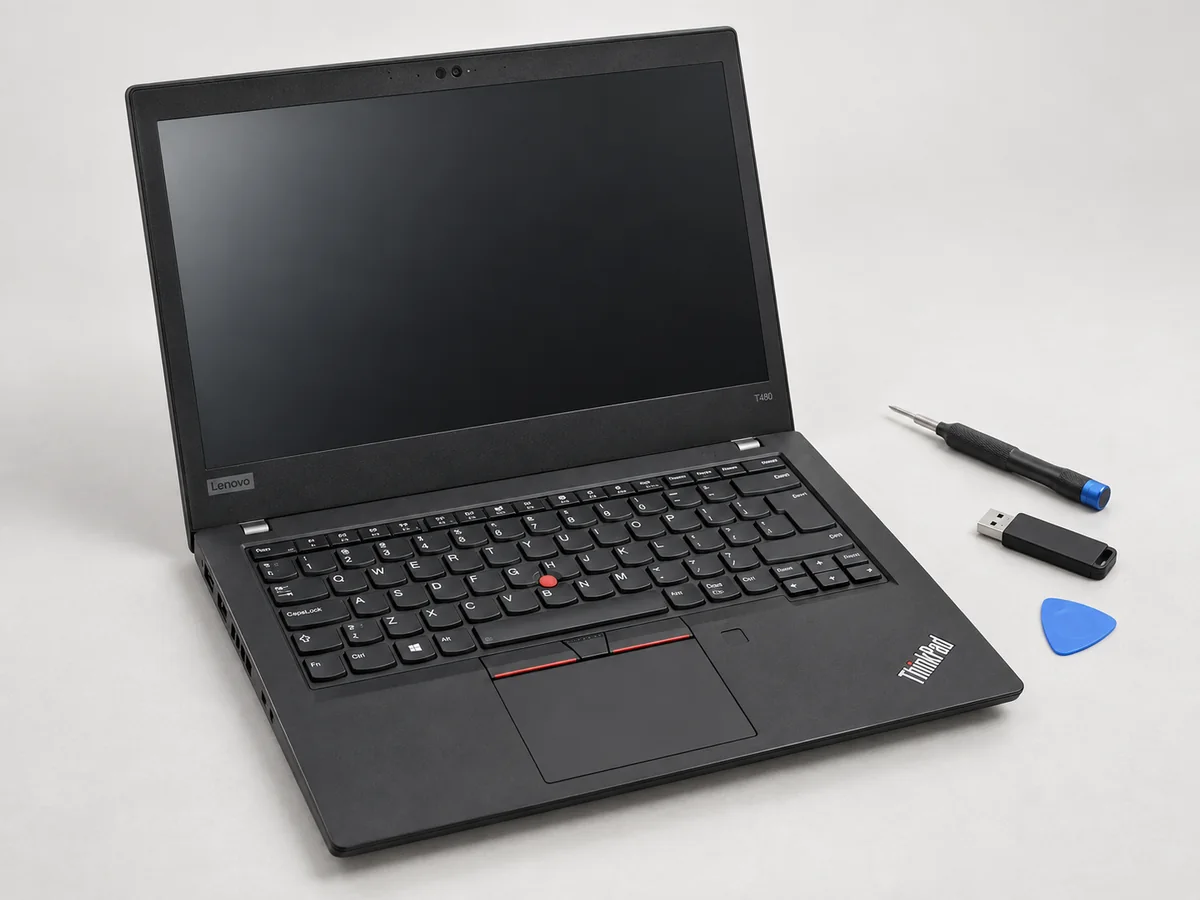
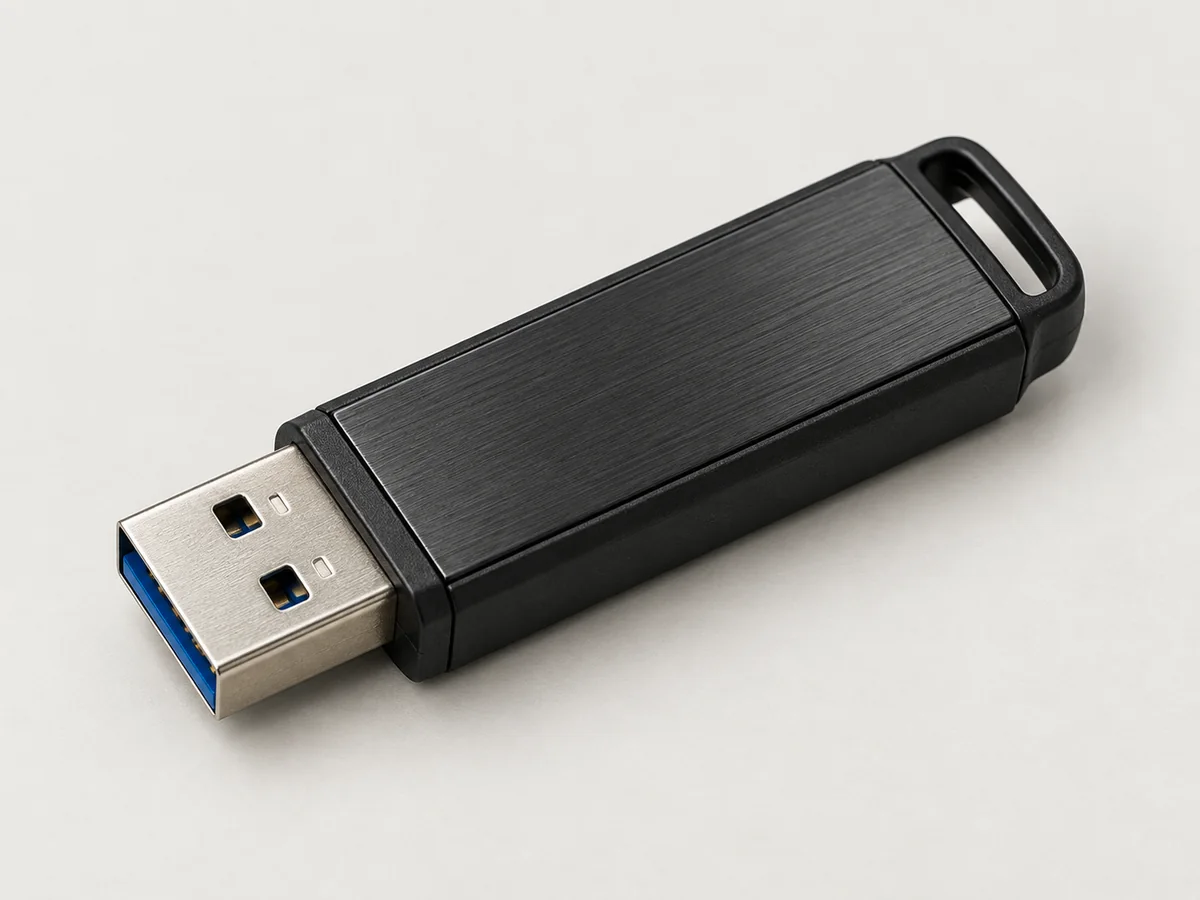
A Ghost PC gives you a full desktop that starts a fresh live session. Our baseline preparation removes internal user-storage drives and boots a removable USB with persistence off. Choose the desktop, what should be saved and the exact hardware before agreeing a quote.
A different tool from a pentesting phone
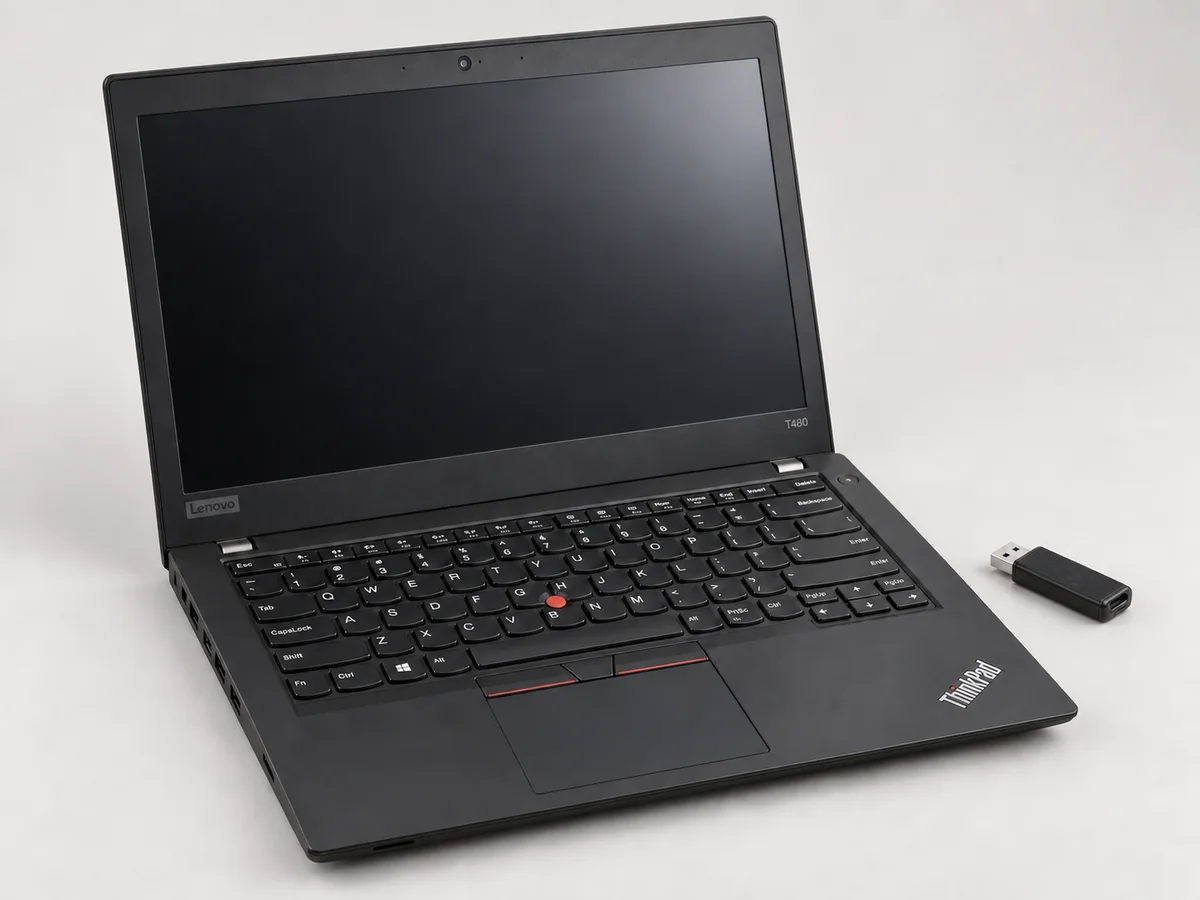
An Android pentesting phone is built for mobile field work: a pocket-sized device, battery power and installed apps that remain available between ordinary restarts. A Ghost PC gives you a full keyboard, larger screen and desktop applications. Its default live session is temporary. Choose by the job and workflow; these are not interchangeable versions of the same device.
Swipe across the table to compare every detail.
| Choice | Typical use | What restart does |
|---|---|---|
| Android pentesting phone | Mobile Android tools and compatible field accessories | Installed apps and saved configuration normally remain |
| Ghost PC — Tails Privacy | Tor browsing, communication and sensitive documents | Starts a fresh live session with persistence off |
| Ghost PC — Kali Live Lab | Authorised desktop security testing and repeatable lab work | Starts a fresh live session in the supplied nonpersistent mode |
Choose the desktop for your work
Tails Privacy suits Tor browsing, communication and documents. Tails is designed to discard unsaved session data at shutdown, with an optional encrypted store for selected files and settings. Our baseline leaves Persistent Storage unconfigured. Read how Tails works.
Kali Live Lab suits authorised security testing with a desktop toolkit. We prepare its nonpersistent live mode. Kali Live is not a promise that traffic uses Tor; choose it for its security-testing workflow. Read Kali’s Live USB documentation.
Decide what should remain after restart
Storage capacity and persistence answer different questions. A USB stick or USB-connected SSD can carry a live system. Its preparation and the selected boot mode determine what is retained.
Swipe across the table to compare every detail.
| Configuration | After shutdown and a fresh boot | What to agree |
|---|---|---|
| Baseline live USB; persistence off | Changes held only in the session are discarded. The operating system remains on the boot USB. | The supplied boot choice and a demonstration using a harmless session-only file. |
| Tails with encrypted Persistent Storage | Enabled files and settings remain in the encrypted store. Unlocking it makes them available again. | Which features are enabled, who sets the passphrase, and the backup method. |
| Kali Live with encrypted persistence | The configured persistent data remains on the USB media and is reused through the corresponding boot option. | The persistence scope, encrypted boot option and an explicit keep-versus-reset check. |
| Full OS installation on an external SSD | This is an ordinary persistent installation unless specifically configured otherwise. | A separate specification; it is not the default Ghost PC session. |
Tails documents its encrypted Persistent Storage; Kali documents persistence boot choices and encrypted persistence. Our persistence decision article helps you choose what to keep.
What “self-wiping on restart” means
It means a fresh session in the agreed nonpersistent mode. A restart does not delete a file deliberately saved to another drive, a remote account or a shared service. Removed internal drives keep their existing contents unless a separate treatment has been agreed. The boot USB also remains usable.
Tails distinguishes its amnesic operation from the risks of online activity and untrusted hardware. Read its documented limits. Demonstrating that a session-only file disappears supports that specific behaviour; it does not prove universal secure erasure, anonymity or the absence of every possible trace.
What the agreed preparation includes
- An eligible laptop or mini desktop with all user-addressable internal storage physically removed. Deleting partitions or disabling a drive does not meet this specification.
- Removable boot media with the selected Tails or Kali Live system, using a nonpersistent session by default.
- A quote identifying the actual processor, RAM, display, condition, battery where applicable, charger and media. Extras such as a spare USB, monitor, keyboard or adapter must be identified separately.
- Recorded boot, session-reset, shutdown, network and agreed peripheral checks before handover.
These are preparation requirements. A completed record applies to the particular hardware and release recorded in it. The laptop listings and category illustrations are not evidence that a particular configuration has already passed those checks.
Choose a quotation starting point
The current Ghost PC range contains quotation options. These describe the requested preparation, not a confirmed batch of a particular laptop. The written quote establishes the exact model, condition, contents, final price and dispatch.
- Ghost PC 14 / 16 GB — A compact 14-inch, 16 GB starting specification. Confirm the actual processor, screen, ports and battery condition.
- Ghost PC 14 / 32 GB — A 14-inch, 32 GB starting specification. Describe the applications and files you intend to use; extra RAM does not establish their speed.
- Convert your laptop to a Ghost PC — You provide the eligible laptop. The conversion includes no replacement computer; agree the return or other treatment of removed drives before work.
- Ghost PC with primary and spare USB — Request a primary live USB and a spare. Identify both media and record each boot check separately.
- Ghost PC with removable live USB SSD — Request removable USB-connected SSD media for a live session. The larger or faster medium does not itself make the system persistent.
- Ghost PC mini desktop for a bench lab — A bench desktop concept. A monitor and keyboard are quoted separately; specify the display connection and other peripherals.
Questions that make the quote specific
- Which work? State Tails browsing/documents or Kali lab tasks, plus any application or accessory you depend on.
- What should survive? Choose a fresh session, named persistent files/settings, or a separate persistent installation. Keep the baseline explicit.
- Which hardware? Confirm the exact model and removable storage layout. For your own laptop, include the model and agree what happens to the removed drives.
- Which connections? Identify the network method, display, USB connector and peripherals. A port shape alone does not establish driver or power compatibility.
- What is the handover evidence? Request the recorded OS release, boot mode, installed media and observed restart results. Ask how updates and recovery will be handled.
Tails requires a compatible x86-64 computer; its current hardware requirements and known limitations should be checked for the chosen model. Our used-laptop checklist covers the buying questions, and the session-reset article explains how to read a demonstration.
Project references
- Tails: how the system works ↗
- Tails: Persistent Storage ↗
- Tails: hardware requirements ↗
- Tails: documented limits ↗
- Kali: Live USB ↗
- Kali: persistence ↗
- Kali: encrypted persistence ↗
Requirements checked on 14 September 2026. The projects maintain their own software and documentation. pent.shop is an independent retailer and preparation service.