FIELD NOTES / Ghost PCs
Buying a used laptop for Tails or Kali Live: the checks to request
Judge the exact refurbished laptop and live release, rather than a familiar model name. Use this checklist to make a Ghost PC quote specific.
A used laptop is a good candidate for a live Linux desktop when the exact unit can boot the intended release, its essential devices work, and its condition suits your work. For a Ghost PC, add a separate requirement: its internal user-storage drives must be physically removable. A seller’s “Linux compatible” label does not answer all four questions.
Start with evidence you can request before committing to a machine. The checklist below is a buying and acceptance process, not a list of models we have personally benchmarked. A familiar business-laptop range can contain different processors, graphics, displays, wireless cards and storage arrangements.
Check the platform first
Tails currently requires a 64-bit x86-compatible PC able to start from USB or DVD; its requirements page gives 3 GB of RAM as a smooth-operation baseline. Apple Silicon Macs, ARM devices and 32-bit PCs are outside that specification. Tails also flags graphics compatibility as a possible obstacle. Check the current Tails hardware requirements before comparing cosmetic condition or accessories.
For Kali, ask for the intended image architecture and workflow. Its installation guidance distinguishes basic desktop requirements from the needs of heavier applications. Minimum specifications are not a promise that your browser, analysis tools and virtual machines will run comfortably together. Use the Kali system requirements as a starting point, then describe the actual applications you plan to open.
A useful request says “this exact model, this amount of RAM, this live release, these applications.” “The best hacking laptop” leaves too much unspecified. If you need several virtual machines, name their memory requirements. If the job is mainly document work, keyboard and display quality may deserve more attention than an unused graphics processor.
Verify what can actually be removed
Ask for the complete model identifier and its manufacturer service documentation. Find every internal user-storage location, rather than assuming the visible main SSD is the only one. Record any secondary drive or storage card included with the unit. A machine with non-removable user storage does not meet pent.shop’s physical drive-removal specification.
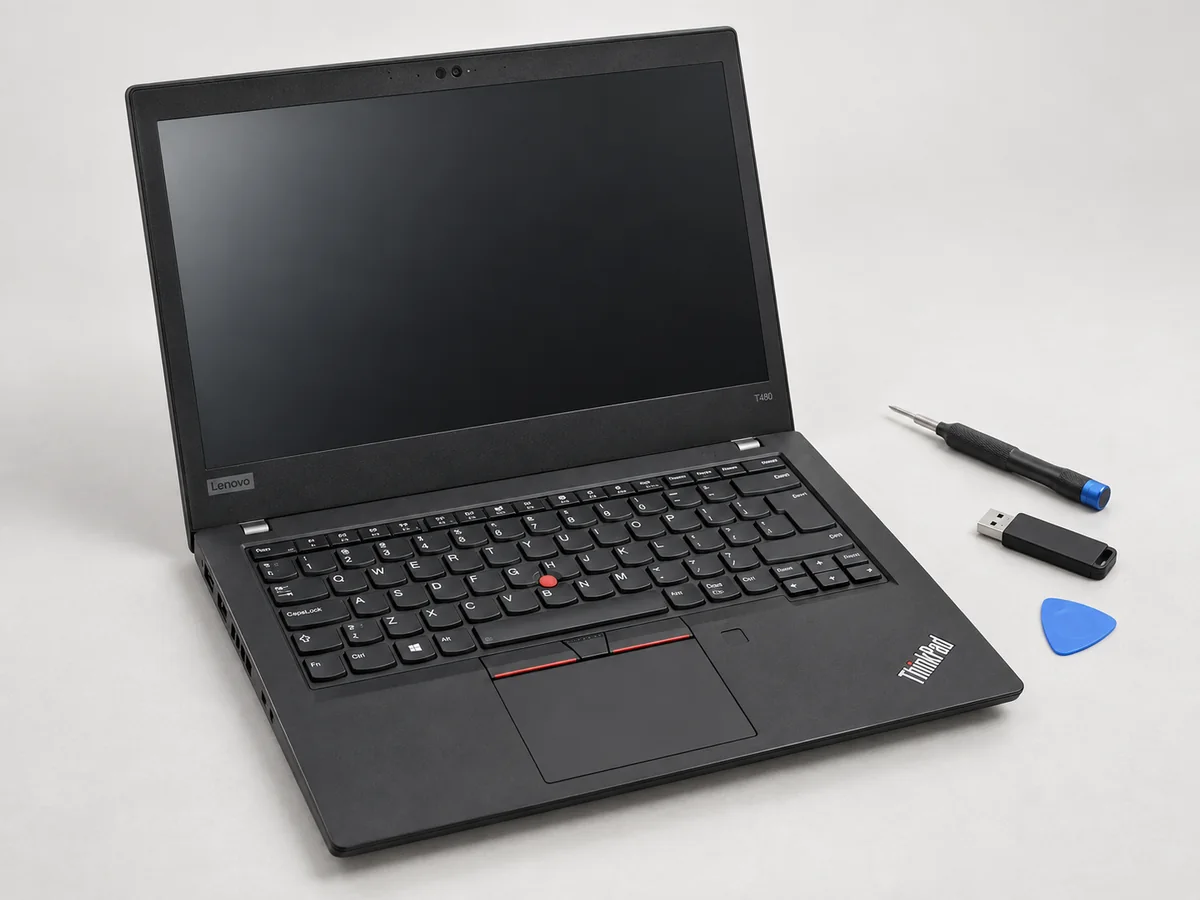
Service procedures are model-specific. For example, Lenovo publishes a T480 Hardware Maintenance Manual covering its internal drive and battery precautions. That manual is evidence about a T480, not permission to apply the same disassembly sequence to every ThinkPad. Ask the preparer to follow the correct manual and record the removed components.
If converting your own laptop, agree what happens to the original drive: return it to you, retain it under a separately agreed arrangement, or handle it under a specified data-disposal service. Physical removal does not erase that drive. Make a verified backup before handing over a machine whose existing files you need.
Make USB boot and firmware access part of acceptance
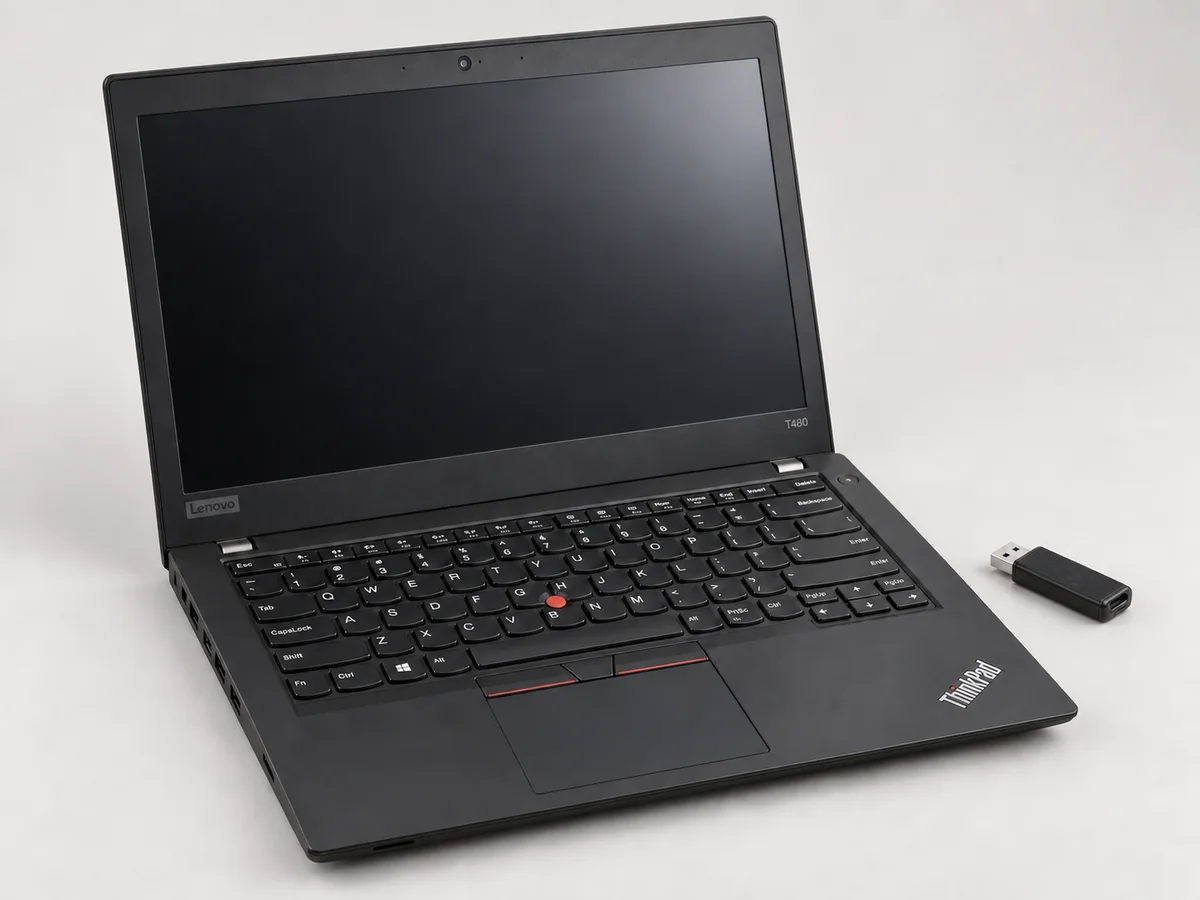
Ask the seller to demonstrate a cold start from the actual supplied USB, followed by a normal shutdown and another start. A screenshot of an installed Linux desktop is not this test. Record which port and boot entry were used, and whether a hub was involved. Initially testing direct connection keeps the result easier to interpret.
You should receive a machine you are entitled to configure, with legitimate access to the boot settings needed for its intended use. An unknown firmware administrator password is a buying problem to resolve with the seller. Do not assume it will be easy to remove later. Tails’ PC startup documentation is useful when checking the boot-menu workflow on the chosen unit.
Have the preparer document any firmware settings required by the selected release. Tails and Kali should not be treated as interchangeable boot configurations. If you later change the operating system or restore a drive, you will want a record of what was changed, rather than an unexplained collection of disabled settings.
Test the parts you will use
- Display and input: check usable resolution, brightness control, keyboard layout, keys, touchpad and the external monitor connection you intend to use.
- Networking: try the built-in wireless connection and, if relevant, the exact USB Ethernet or Wi-Fi adapter included in the quote.
- Power: record charger model, charging behaviour and battery condition. Request measured runtime conditions if a runtime figure is offered.
- Physical condition: inspect hinges, ports, case damage and any repair history the seller can substantiate.
- Restart and resume: test the everyday sequence you expect to use. If suspend is unreliable, agree whether that limitation is acceptable.
A booting laptop with a worn charging socket may be a poor travelling machine. A scratched case may matter less for a bench lab. Decide which defects change your work and which are merely cosmetic, then make those acceptance criteria part of the quote.
Do not infer port features from the connector
A USB-C connector alone does not establish data speed, charging capability or display support. USB-IF treats connector type, USB performance and Power Delivery as separate capabilities. Check the laptop and accessory specifications together using its USB-C capability guidance. If your plan includes one dock for boot media, networking and charging, request a test of that complete arrangement.
Ask for a unit-specific quotation
Include the exact model, CPU, RAM, display, battery condition, charger, removed drives, live image, USB model and test record. Ask for any known limitations to be written down. At pent.shop, Ghost PC laptops and customer-owned conversions are quote options; a catalogue family such as “14-inch / 16 GB” is not an undisclosed promise of a particular refurbished model.
Use the Ghost PC specification guide alongside this checklist. Together they let you assess the physical preparation, the desktop you will receive and the condition of the individual laptop before agreeing the purchase.
Sources and further reading
- Tails hardware requirements
- Installing Kali Linux: system requirements
- Lenovo T480 Hardware Maintenance Manual
- Starting Tails on PC
- USB-IF Type-C capability guidance
Project documentation checked for this article on 12 September 2026. Software and hardware requirements can change; use the linked project references for your exact configuration. How we prepare these articles.