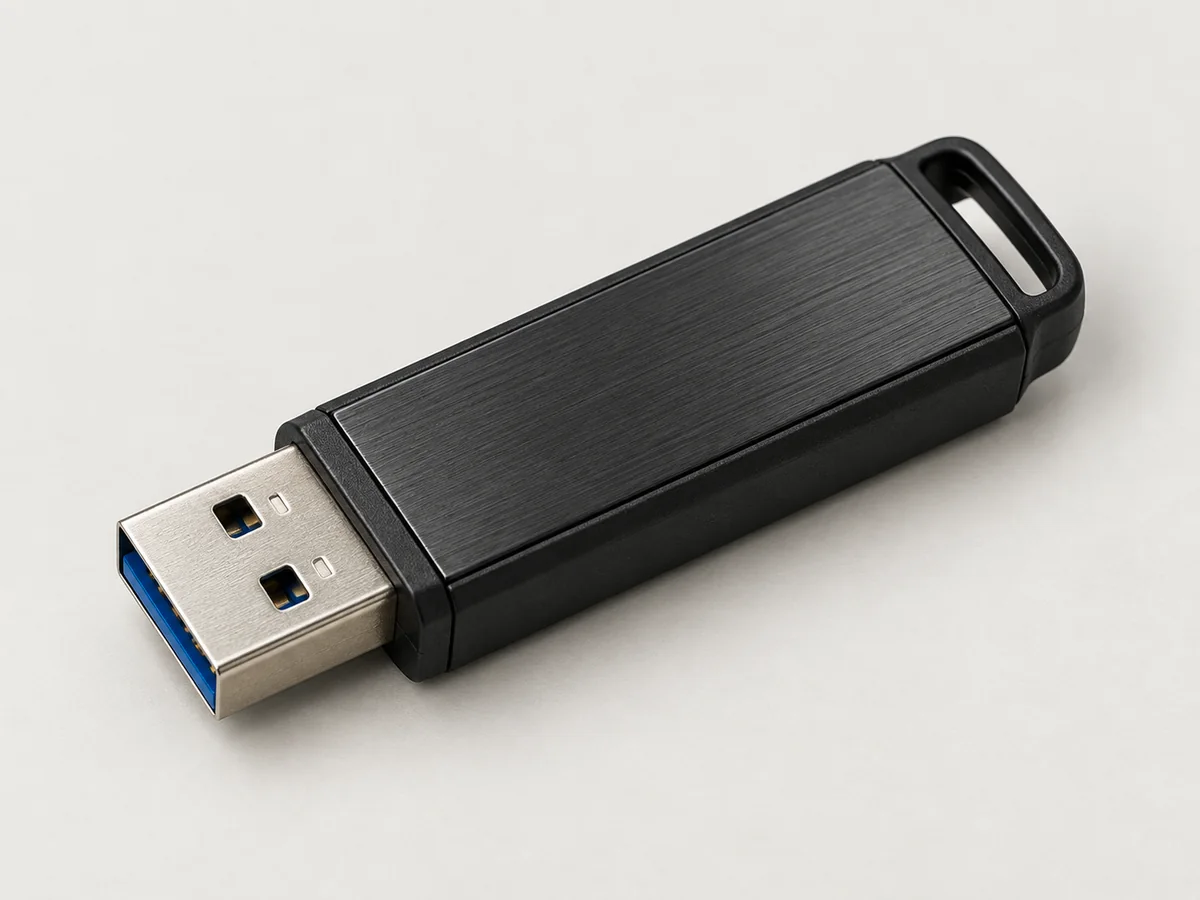
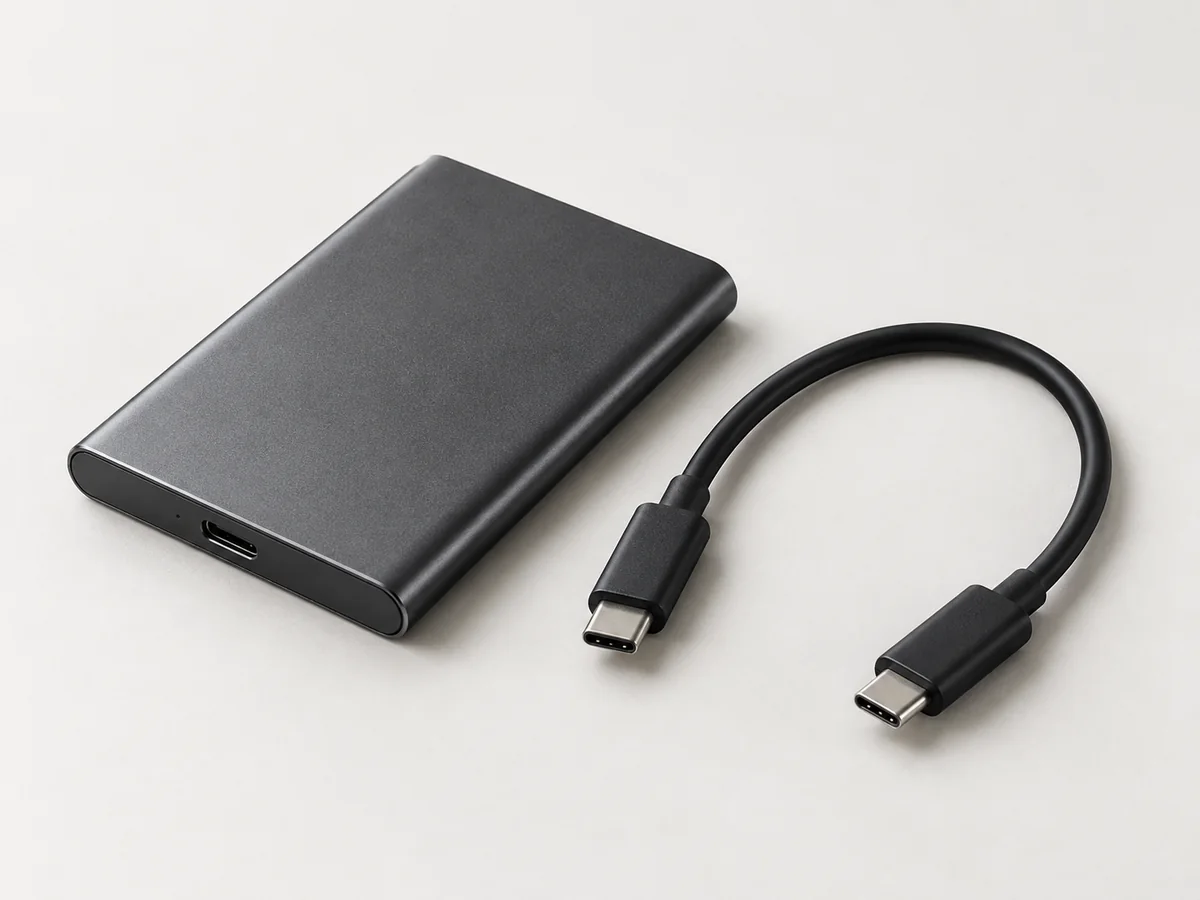
FIELD NOTES / Ghost PCs
Nonpersistent or encrypted persistence? Choose what a Ghost PC should remember
Start with the work you need to keep. A storage decision worksheet for Tails Privacy and Kali Live Lab, with examples and handover questions.
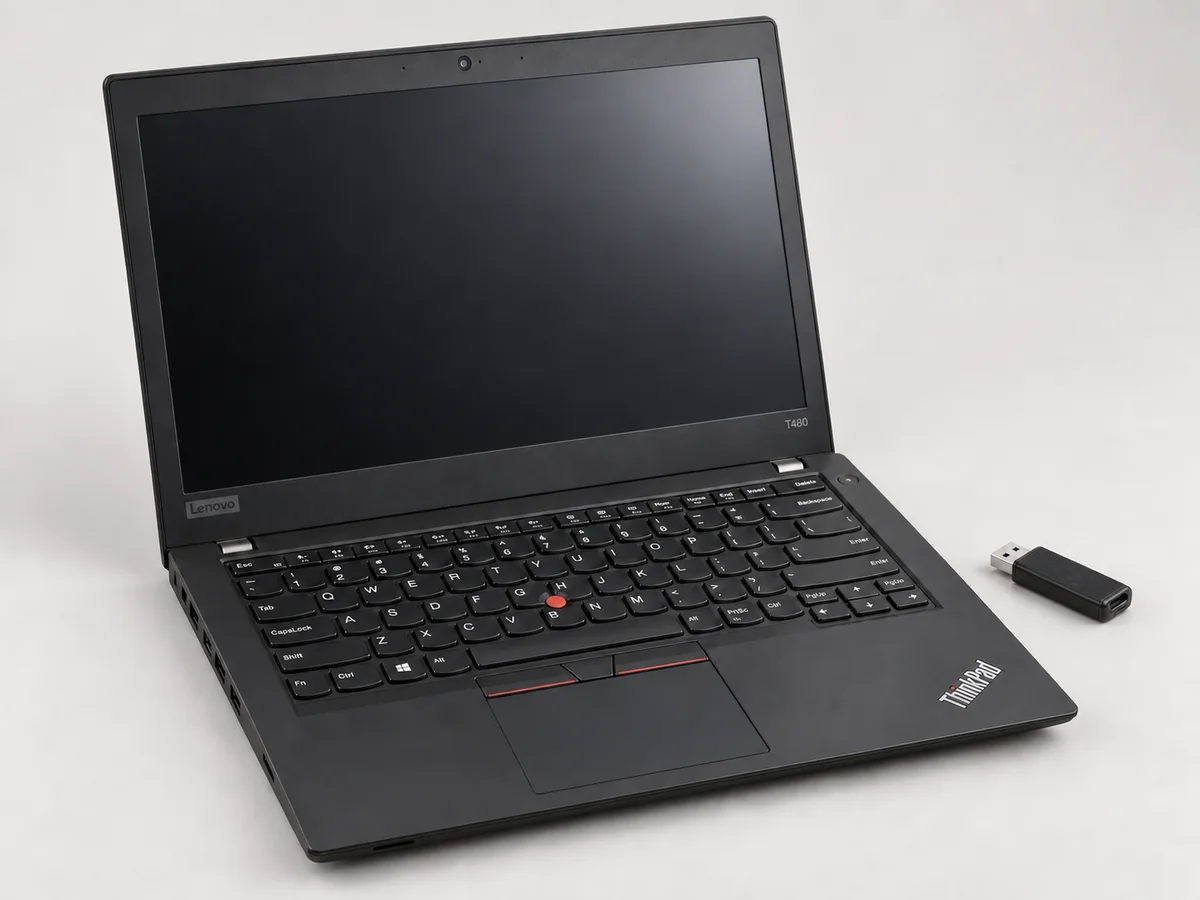
Choose a nonpersistent Ghost PC when you want each ordinary live session to begin without the previous session’s local working files. Choose encrypted persistence when specific work must survive a restart and you can manage its passphrase, backups and updates. A full installation on an external drive is another arrangement: it should be specified separately, because moving an installed desktop outside the laptop does not make it nonpersistent.
At pent.shop, the Ghost PC starting specification is a compatible computer with its internal user-storage drives physically removed and persistence switched off on its supplied live media. Optional persistence changes that storage behaviour. The useful buying question is therefore: which information should exist tomorrow, and exactly where should it live?
Write down the files before choosing the storage
Make a short inventory of your normal session: documents you open, notes you create, applications you configure and accounts you access. Put each item into one of three groups: disposable, needed again, or already stored elsewhere. A downloaded document and the copy you upload to a cloud account belong in different groups, even if they began as the same file.
Then describe how you will finish. Will you export a report before shutting down? Must tomorrow’s session reopen a project exactly where you left it? Can you reproduce the setup from a written checklist? These answers are more useful than asking for the biggest USB drive. Capacity cannot decide your retention policy.
Compare the three arrangements
| Arrangement | Useful when | Decision to make |
|---|---|---|
| Live session without persistence | The session is temporary and its output has an intentional destination. | What must you export before shutdown? |
| Live media with encrypted persistence | You need selected files or supported configuration between sessions. | What is retained, how is it unlocked, and where is its backup? |
| Full external installation | You want a continuing installed workstation on removable storage. | Who maintains its installed software, accounts and recovery process? |
Those are workload choices, not a ranking from weak to strong. A workflow that accidentally loses essential work is poorly specified. So is one that silently keeps files you expected to disappear.
Tails and Kali make different promises
Tails is designed for privacy-oriented communication and document work, with Tor integrated into its normal internet workflow. Kali is built for penetration testing and security auditing. Choosing a Kali live image does not give it Tails’ networking behaviour. Read the projects’ own explanations of how Tails works and Kali’s intended audience before selecting the desktop.
In Tails, Persistent Storage is optional, encrypted and unlocked when you choose to use it. Persistence is also feature-specific: enabling the Persistent Folder does not turn every directory into permanent storage. Check the supported persistence features against your inventory, especially if you expect application settings to return automatically.
Kali Live uses an additional persistence configuration and a corresponding boot choice. Its encrypted option protects the persistence partition with LUKS. The official encrypted-persistence instructions explain the setup; they are not evidence that an arbitrary USB sold as “Kali” already has it enabled.
Three example decisions
Temporary document session: you open a supplied document, make an agreed edit and save the finished result to a chosen destination. If you do not need working copies tomorrow, nonpersistent operation may fit. Practise the export and reopen the result before ending the session. Losing an unsaved document is expected behaviour, not proof that the computer malfunctioned.
Repeatable learning lab: you want the same starting point for each exercise. Keep the exercise instructions and any necessary input files separately, then start from your agreed live image. Record deliberate changes so that repeating the lesson does not depend on forgotten commands. If rebuilding the environment dominates your study time, discuss persistence instead of assuming fresh sessions are always preferable.
Continuing assessment notes: you need work from several authorised sessions. An encrypted persistent workspace may be appropriate, but decide what happens when the drive is lost or stops booting. Separating a disposable test environment from retained reports can also make the data boundary easier to explain. These are planning examples, not claims of hands-on performance testing.
Encryption and backup answer different questions
Encryption protects stored data while it is locked; it does not make an unlocked working session inaccessible to its applications. Tails also notes that the existence of its encrypted partition is visible. A passphrase is access control, not a way to conceal that storage exists. See the Persistent Storage overview.
A spare boot drive can get you to a desktop, but it is not automatically a copy of your work. Ask for a restore demonstration using harmless sample files. Tails provides a separate backup workflow, including copying Persistent Storage when creating backup media. Keep your own backup plan explicit for Kali too.
What to put in a Ghost PC quote
Specify the desktop, exact live release, boot medium, ordinary boot entry and whether persistence is absent, present but locked, or intended to be unlocked. List the files and settings expected to survive. Ask how updates affect that arrangement and how to return to the agreed starting state. Do not send passwords or confidential project material with the request.
Our Ghost PC guide explains the physical laptop specification, while the Kali USB guide introduces the storage options. Ghost PC laptops and these USB configurations are quotation items: the exact hardware, preparation and final price are agreed before supply.
Sources and further reading
- How Tails works
- Should I use Kali Linux?
- Configuring Tails Persistent Storage
- Kali encrypted persistence
- Tails Persistent Storage
- Backing up Tails Persistent Storage
Project documentation checked for this article on 12 September 2026. Software and hardware requirements can change; use the linked project references for your exact configuration. How we prepare these articles.