FIELD NOTES / Accessories
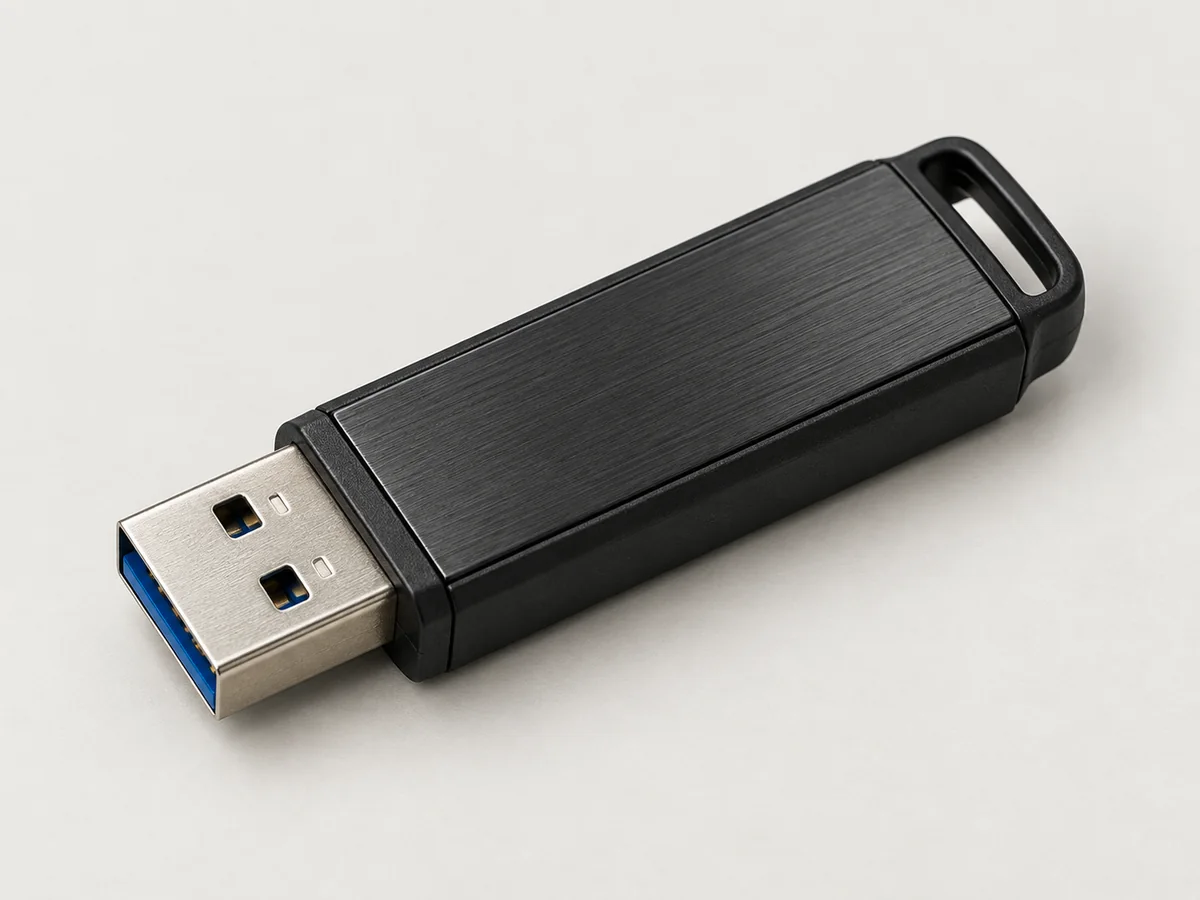
USB stick or external SSD for a live Linux desktop?
A buying framework for removable boot media, covering persistent writes, cable and enclosure choices, verification and the difference between a spare and a backup.
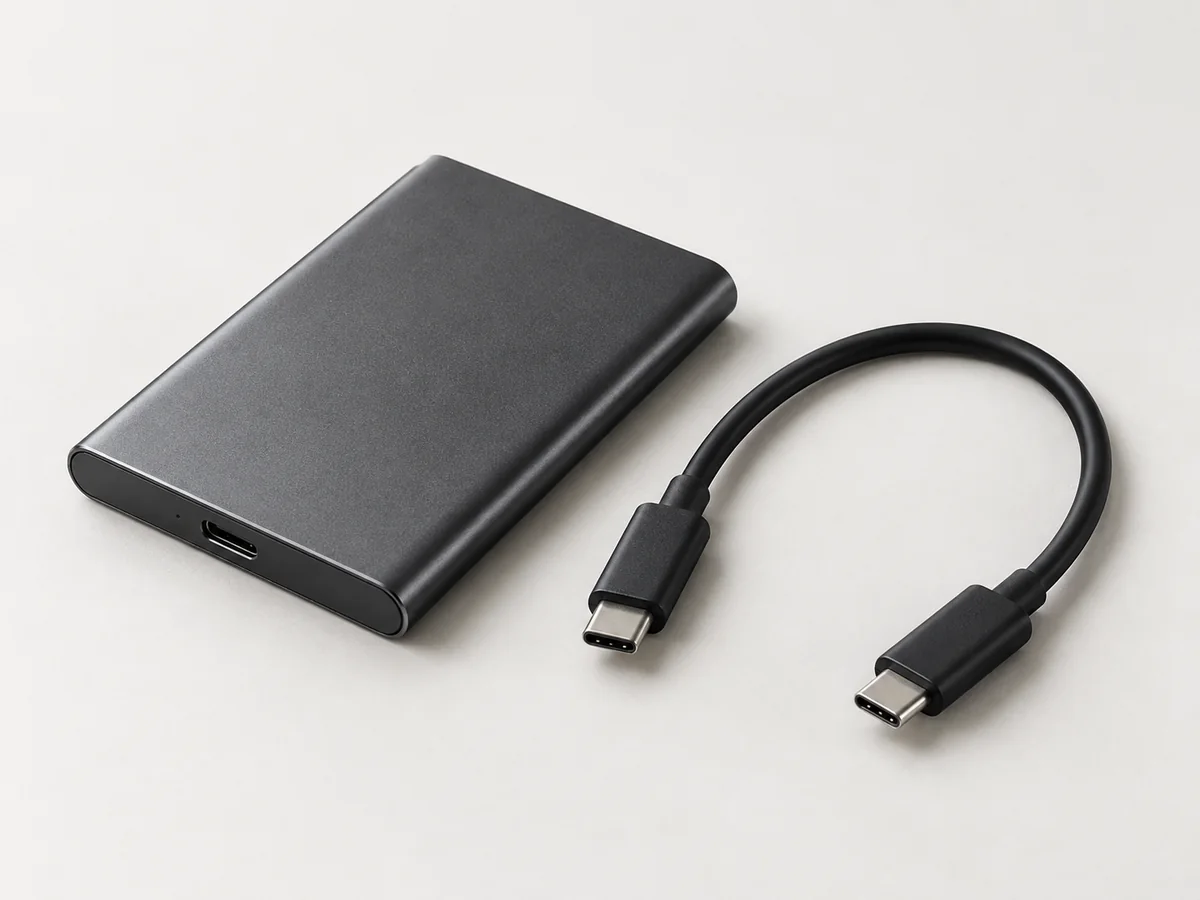
Choose boot media around the operating system, the amount of work you intend to retain and the way the device connects to your computer. A USB stick can be a convenient live desktop medium; an external SSD can be worth considering for a more demanding storage workload. Neither description, by itself, proves reliability, compatibility or a particular boot speed.
First decide whether you want a nonpersistent live session, a live image with encrypted persistence, or a full external installation. All three may use removable storage, but their write patterns and maintenance needs differ. The Kali Live USB storage guide explains that distinction before you compare hardware.
Compare the job, not just the capacity
A nonpersistent session does not need permanent space for every file created during that session, although the computer still needs sufficient working resources. A persistent workspace must accommodate the information you keep and future changes. A full external installation needs space for its installed system, updates and your work. Make a list of those requirements instead of treating an advertised capacity as the whole specification.
| Question | USB stick | External SSD |
|---|---|---|
| How does it travel? | Often a single small item; check how far it protrudes. | Usually a drive and cable; plan where both will sit. |
| What needs identifying? | Exact model, capacity and connector. | Exact drive, enclosure or bridge, cable and capacity. |
| What needs testing? | Boot, application use and any intended persistent writes. | The same tasks, including the complete cable-and-port arrangement. |
| What is guaranteed by the category? | No universal endurance or performance figure. | No universal boot compatibility or performance figure. |
The table describes buying considerations, not benchmark results. Two products with the same capacity can behave differently. Where endurance matters, request a manufacturer’s published rating for the exact model and understand what workload it describes. A shop’s “high endurance” label should have an identifiable basis.
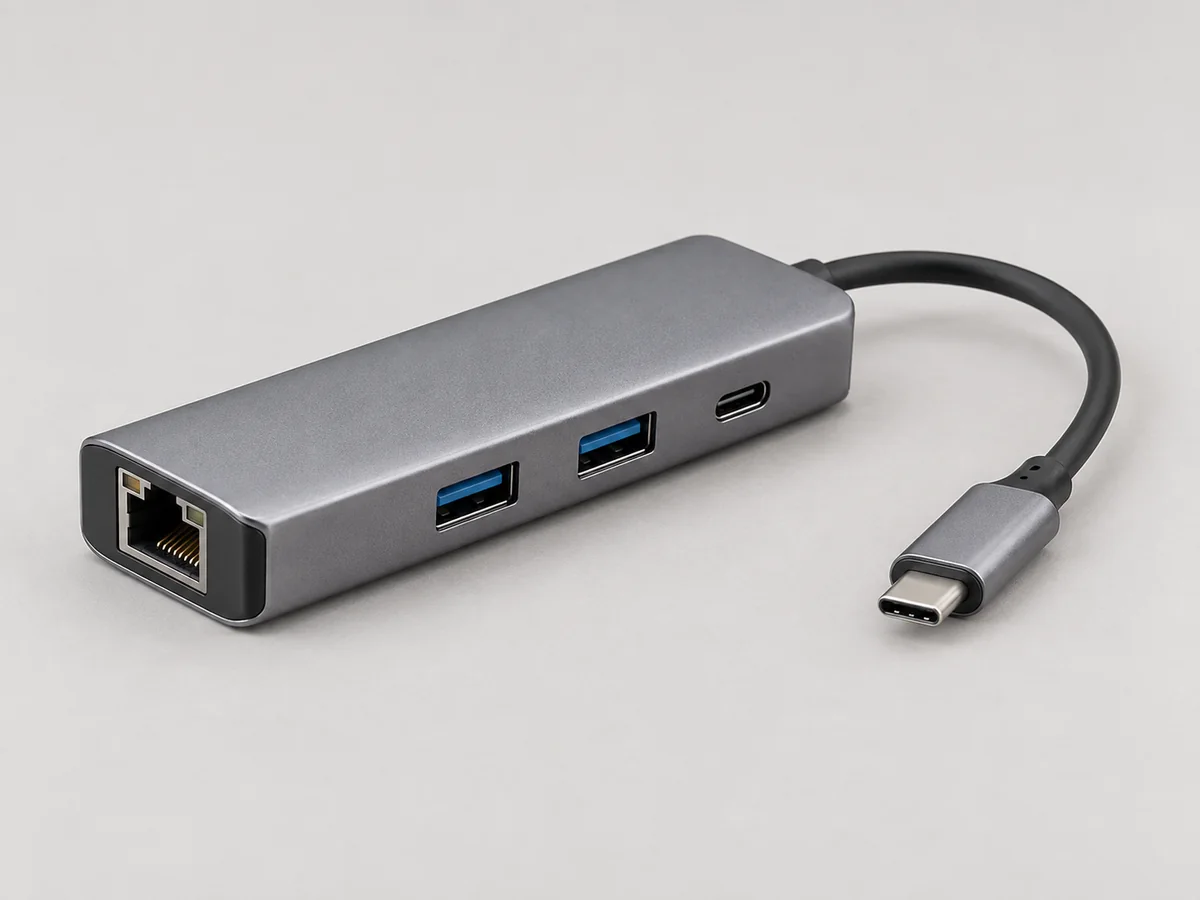
A USB-C plug does not specify the data path
USB-IF distinguishes connector type from performance and Power Delivery. Its guidance explicitly includes USB-C implementations with USB 2.0 data capability. A fast drive connected through a slower cable or interface cannot use its maximum interface capability. Check the USB-IF capability guidance, then record the supported data rate for each component.
For a desktop with an external SSD, write down the host port, cable, enclosure and drive. For a hub arrangement, add the hub and its upstream connection. This makes a useful qualification record when a replacement cable changes behaviour. A familiar connector shape or a charging wattage on the packaging is not a data-performance test.
Ask for observations from your intended workload: does the current image boot consistently, do your applications open normally, and can you save and reopen a representative harmless project? If someone supplies timing figures, request the hardware, image, test method and whether the figures were measured on the exact configuration. There are no invented speed comparisons in this guide.
Check the operating system’s media assumptions
Tails’ normal installation target is a USB stick; its requirements page gives an 8 GB minimum and emphasises media quality. See its current USB recommendations before choosing a device merely because it has more capacity. Larger media does not remove the need to qualify the laptop or choose persistence deliberately.
An external disk can also introduce a distinct startup path in Tails. The project documents an external-disk boot option and explains why changing its removable-media restriction changes which storage can supply the live system. Read the external hard disk guidance rather than treating every SSD as a direct substitute for its normal USB workflow.
For a Ghost PC quotation, an external live SSD still defaults to a nonpersistent live arrangement unless otherwise agreed. If you want a conventional installed Kali workstation on that SSD, say so explicitly. The physical absence of an internal drive does not decide whether the external one keeps a continuing operating system.
Separate three kinds of verification
Download verification checks the image obtained from the project. Kali publishes a process for checking its downloaded image against authenticated project information in the official download documentation. A checksum copied from an unrelated seller’s description is not a substitute for the project’s verification process.
Media preparation checks establish that the intended image was written and the device starts correctly. Kali’s USB verification guide includes checking the resulting media and trying an actual boot. A completed imaging progress bar is not the same as observing the desktop on your machine.
Storage qualification concerns the device itself and your workload. Ask whether a capacity check or other media test was performed, with which method and before or after preparation. Such tests can be destructive, so agree them before putting valuable files on the device. Passing a test is evidence about that test, not a lifetime failure guarantee.
Plan the replacement before you need it
Label the primary and spare media with a non-sensitive identifier and keep an image-version record. Decide how you will rebuild a failed boot device. If you use persistence, separately decide how often you copy important work and demonstrate that the copy can be read. A spare containing only the operating system cannot restore documents it never received.
Protect the connection as part of everyday use: position the drive so that the laptop’s movement does not pull on a plug, finish intended writes and shut down normally before disconnecting boot media. Request the exact USB or SSD configuration when comparing pent.shop’s quotation options. The agreed device, preparation and recovery instructions matter more than the largest number on the product title.
Sources and further reading
- USB-IF connector and capability guidance
- Tails requirements and USB media
- Tails external-disk startup
- Downloading and verifying Kali Linux
- Kali USB verification
Project documentation checked for this article on 12 September 2026. Software and hardware requirements can change; use the linked project references for your exact configuration. How we prepare these articles.