PENT.SHOP BUYING GUIDE / UPDATED 12 SEPTEMBER 2026
Wi-Fi adapters for Kali and NetHunter: what to check
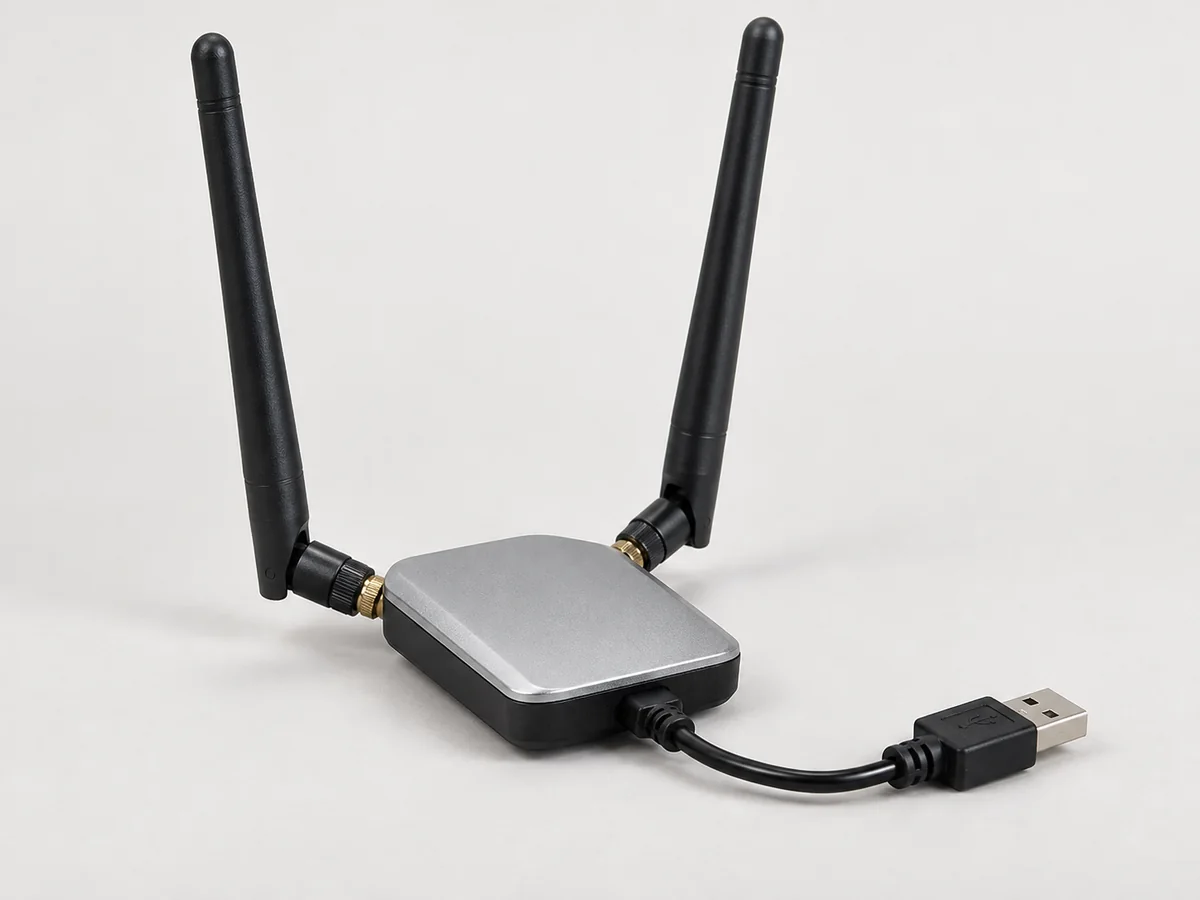
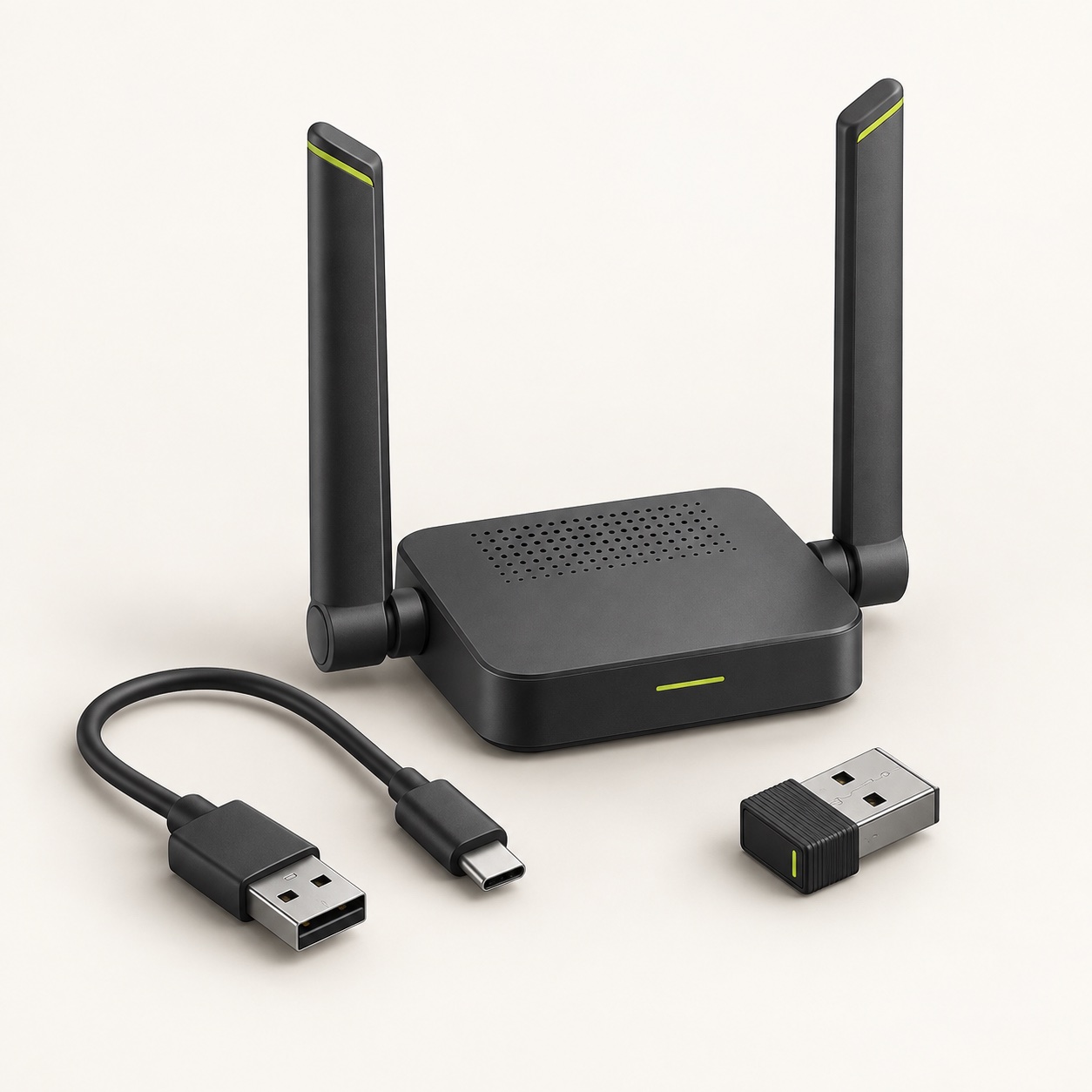
Start with the host and the wireless function you need. The right Wi-Fi dongle is the exact chipset and revision that works with your chosen driver, kernel and power arrangement.
A chipset is more useful than a similar name
Retail product names can span hardware revisions. Ask for the chipset, USB identifier and revision of the actual adapter. A matching appearance or product family is not enough to establish driver support.
Check support in separate steps
Confirm that the host detects the adapter, that the intended driver loads, and that the required band and wireless mode work. NetHunter’s documentation distinguishes the base Android environment from the additional drivers and features a custom kernel can provide. A general Linux success does not automatically establish the same result on an Android kernel.
Do not overlook USB power
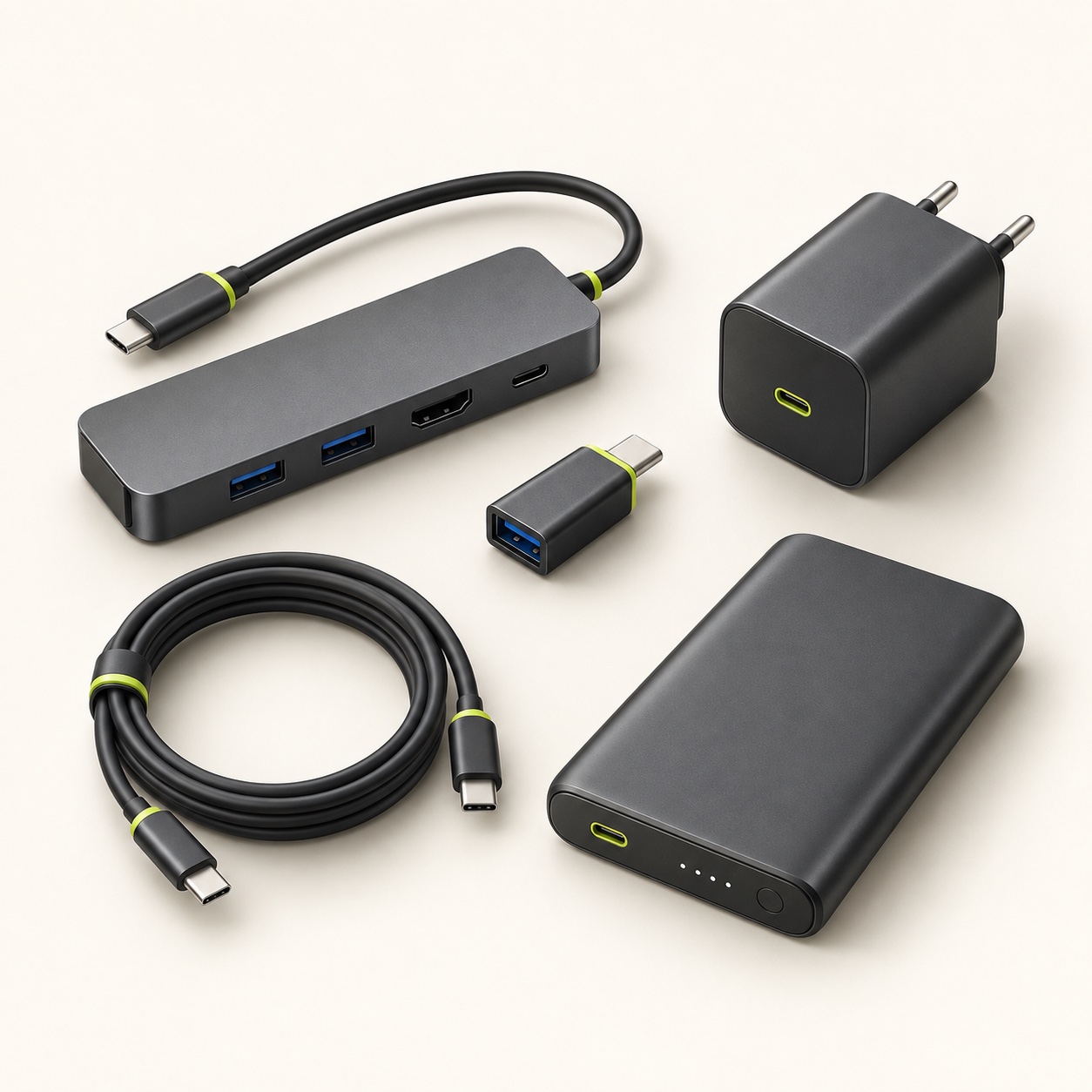
A phone, adapter, cable and hub form one electrical setup. An adapter may be detected initially and then become unreliable under load. Specify the OTG connection and whether the proposed configuration uses external power. Charging the host while using USB data also needs its own check.
Buy for the actual lab
List the bands you need, the authorised exercise, preferred cable length and whether portability matters. For an existing prepared device, include its exact model, Android or Linux build and kernel. This makes an adapter quote a defined compatibility request rather than a guess.
Project references
Requirements checked on 12 September 2026. The projects maintain their own software and documentation. pent.shop is an independent retailer and preparation service.